Photo Module Variations - Native
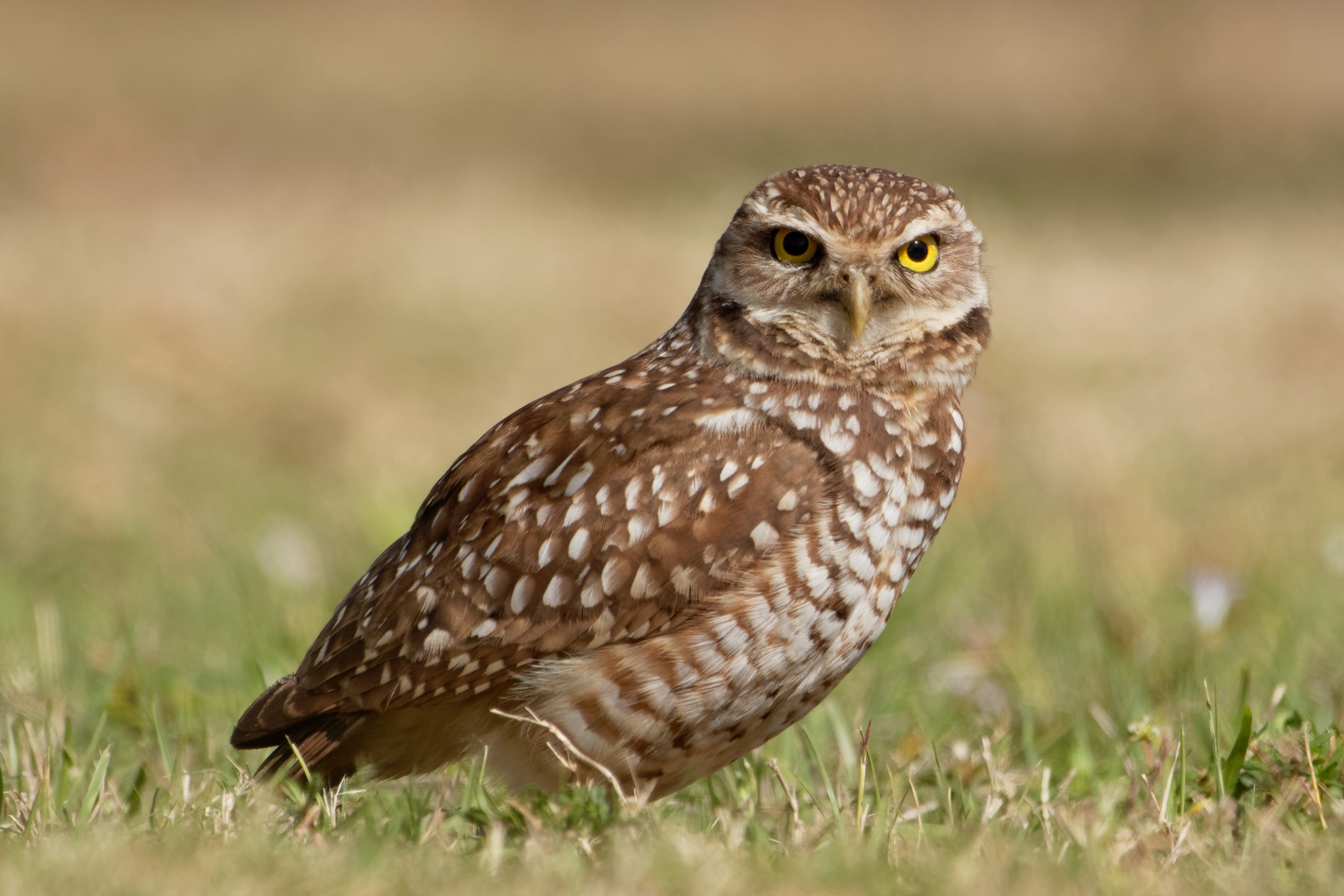
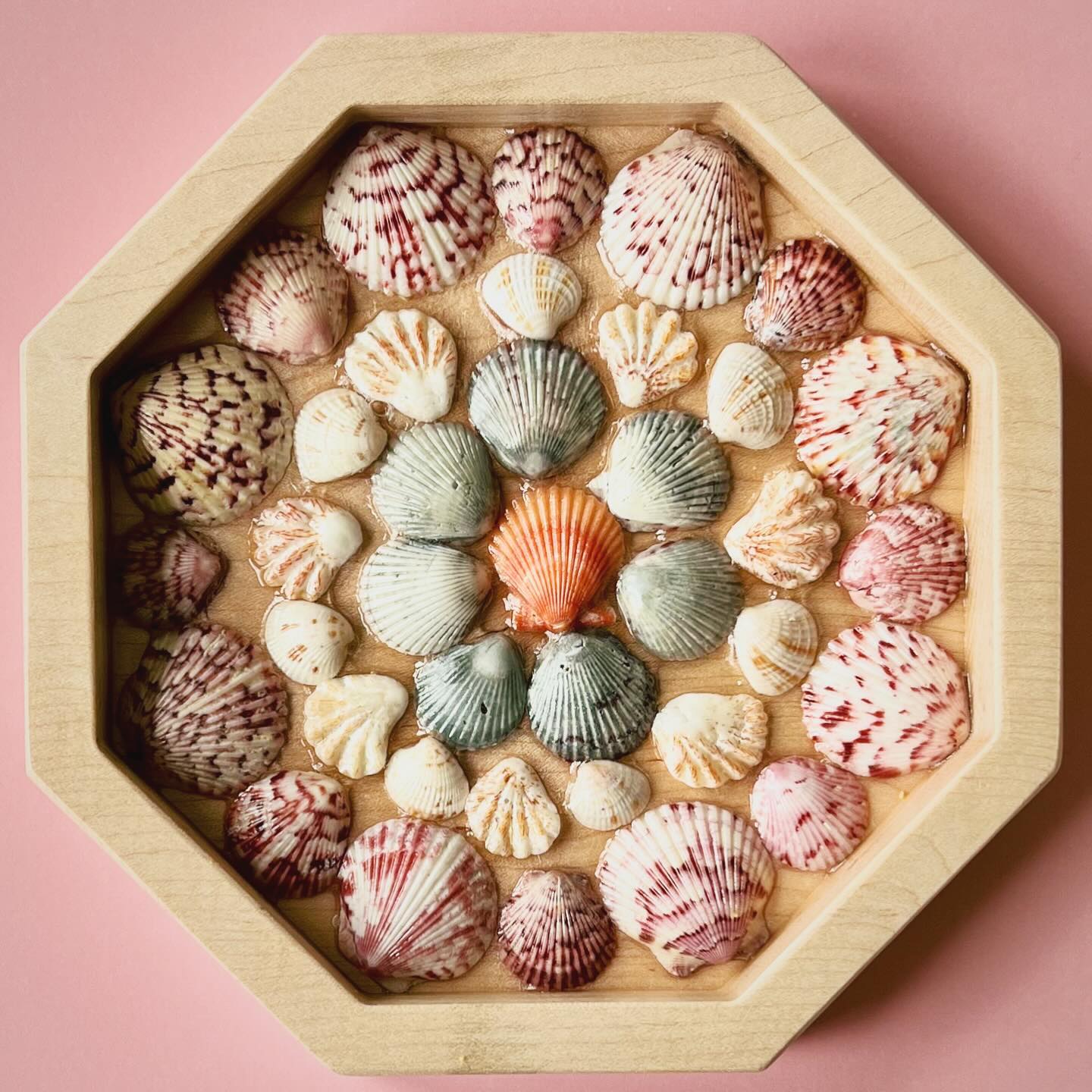
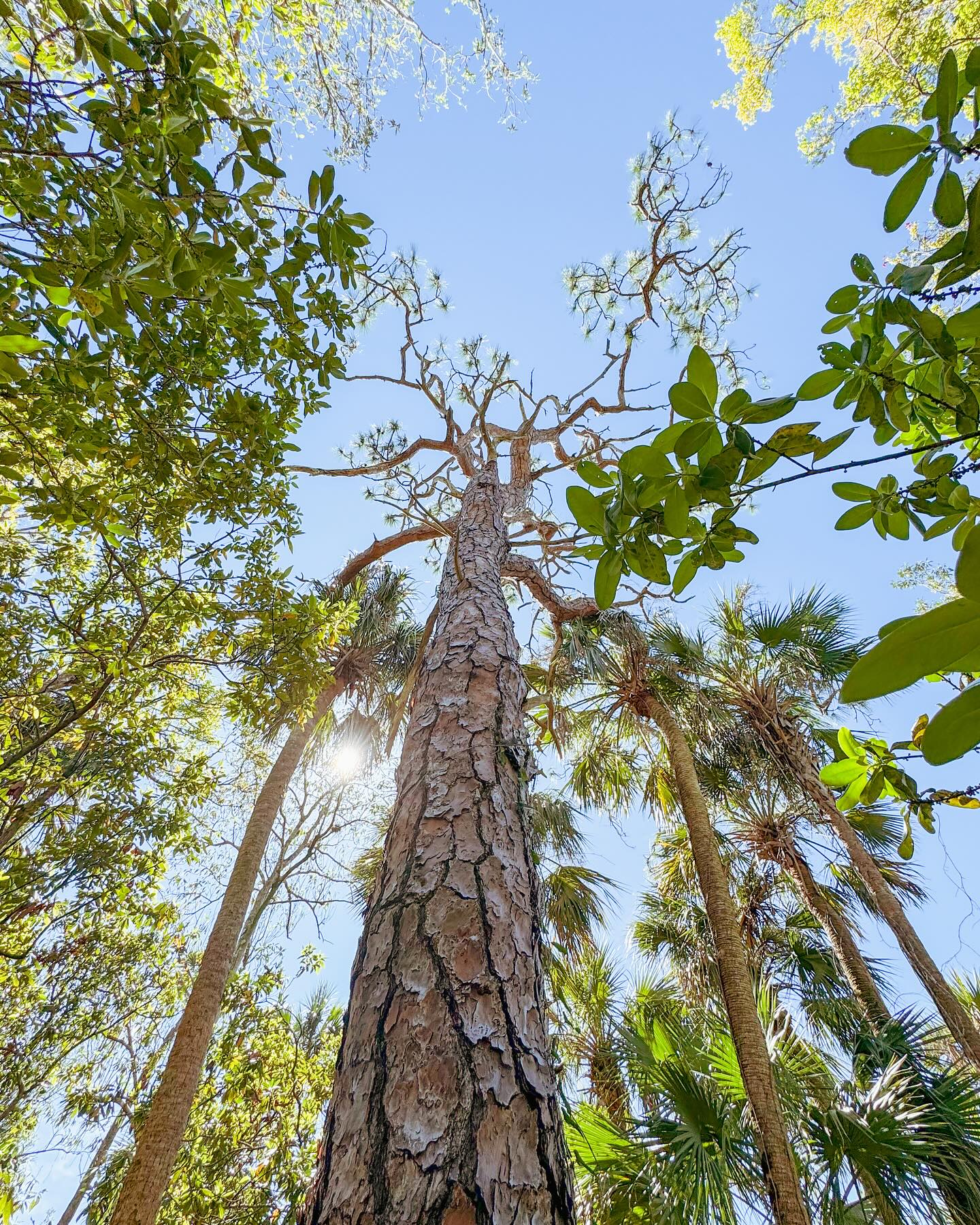
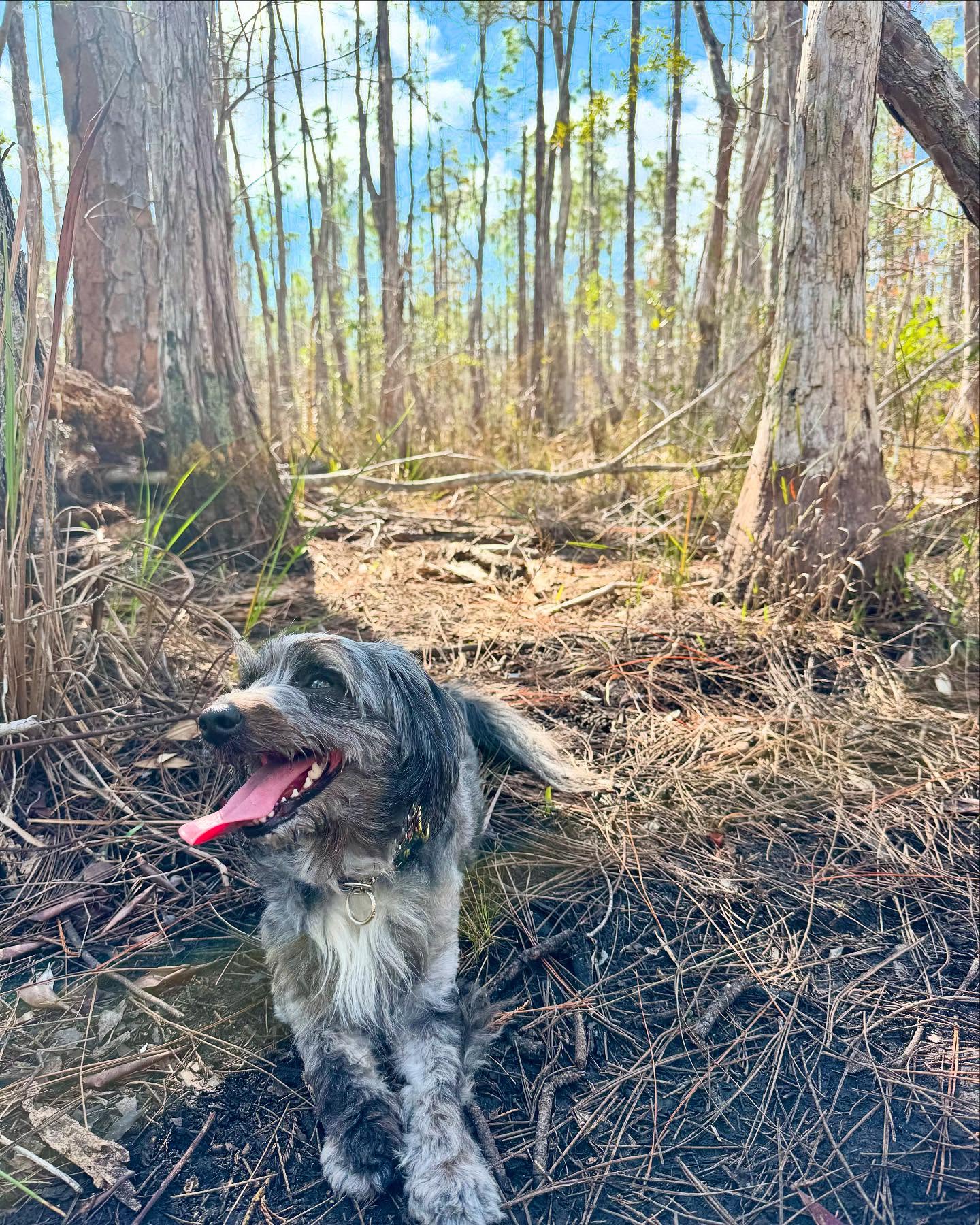
These are our built-in photo modules. Think of them like different picture frames you can drop onto a page to set the mood, show off a place, and help someone decide what they want to do next.

These are our built-in photo modules. Think of them like different picture frames you can drop onto a page to set the mood, show off a place, and help someone decide what they want to do next.

60 character count limit on description.


This module spotlights one featured idea, like a can’t-miss activity or seasonal moment. It keeps the message simple, then gives the reader one clear button to keep planning.
This module is a themed photo strip, grouped by a topic like Food/Drink, Beaches/Sunsets, or Parks/Nature. It pairs a short intro with a call-to-action button.


Warm sunshine, soft sand, and gentle waves set the scene for slow, easy days. Stay for golden-hour walks and sunset-after-sunset moments across our islands and shoreline.


Explore parks, and nature sites where you can slow down and soak in the scenery. Look for wildlife, coastal habitats, and those magical sunset views.


This is a feature story with a title, a short “why it matters” paragraph, and a single action button. It is built to pair that message with a strong photo and credit, so the page feels both helpful and visual.


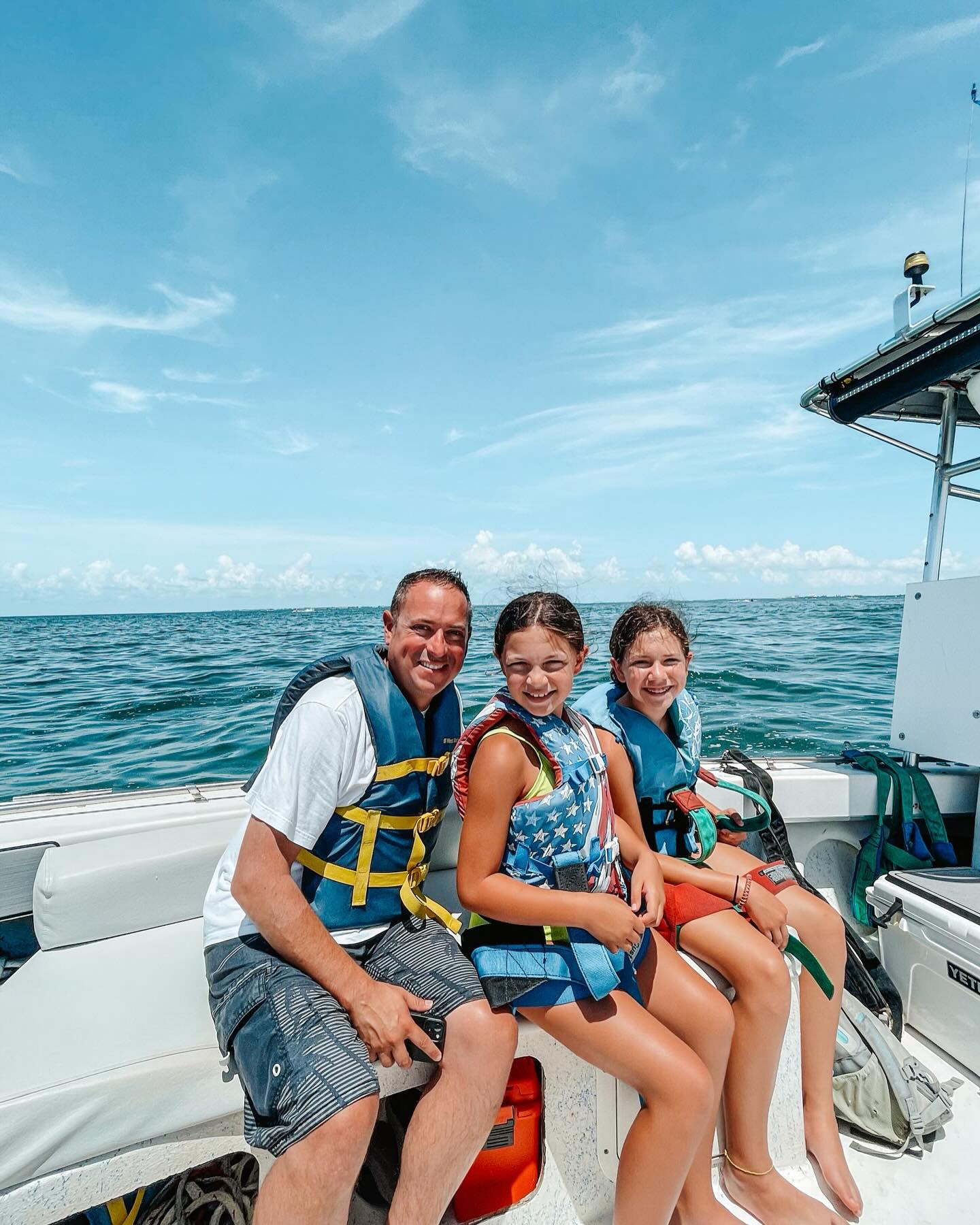
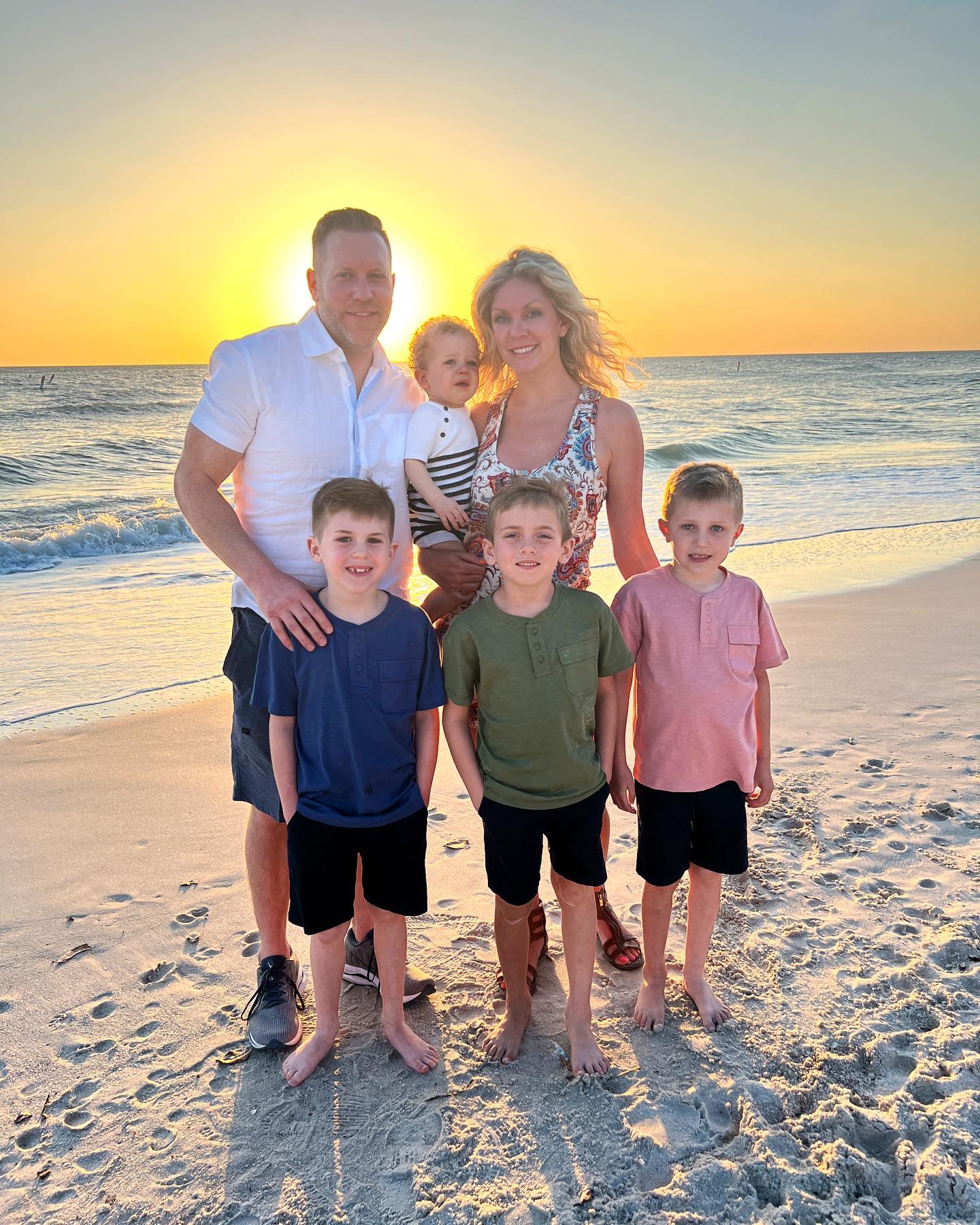
This is the big, scroll-stopping grid of real traveler photos. It works best when you want a bold burst of #MyFortMyers inspiration, plus social links that invite people to join in.


This is a quick ribbon of real traveler photos that adds instant energy without taking over the whole page. Use it when you want a light touch of #MyFortMyers inspiration between sections.





These modules pull in CrowdRiff photo layouts, so you can show lots of fresh, real-world moments in a clean, curated way. Pick the layout based on how many photos you want to feature and how bold you want the section to feel on the page.
All variations are both desktop and mobile-friendly. A Load More button appears depending on the user's screen size for the first 3 grid modules below.
12 photos are currently stored inside each module but Denver. An unlimited amount of assets can be included in a gallery, excluding Denver.
Each of the 6 modules below are fully customizable. Assets can be added/removed, sized and spaced within CrowdRiff's settings. Asset details such as username, location, description, and upload date are available when a user clicks on each photo. Any asset detail can be displayed or hidden.
Gallery analytics data can also be obtained via CrowdRiff to reveal viewership, interaction, and engagement rate figures.
MMGY recommends selecting only UGC-approved imagery from CrowdRiff for these modules to maximize the user experience. Clicking on each image reveals the poster's username, caption, location information, and upload date. Non-UGC photograpghy from sources such as PhotoShelter does not include this kind of metadata. A native module above can fulfill the objective for non-UGC imagery.
MMGY suggests that Vanessa @ LVCB review and choose the recently approved UGC assets she has chosen to support the assets inside these modules, and MMGY can build galleries accordingly.
A tighter grid that shows more photos at once. Great when you want quick variety.
A roomier grid that gives each photo more breathing space. Great when you want fewer images to feel more premium and focused.
One long row of photos that reads like a visual story strip. Great for a simple, in-the-moment vibe that keeps the page moving.
One standout image, front and center. Great when you want one big statement photo to carry the whole section.
A photo set you can move through, one at a time. Great when you want people to slow down and take a deeper look at a theme.
A fast, attention-grabbing visual sequence. Great when you want motion and momentum to pull someone into the page.